



Overview of Emailing Paycheck Stubs
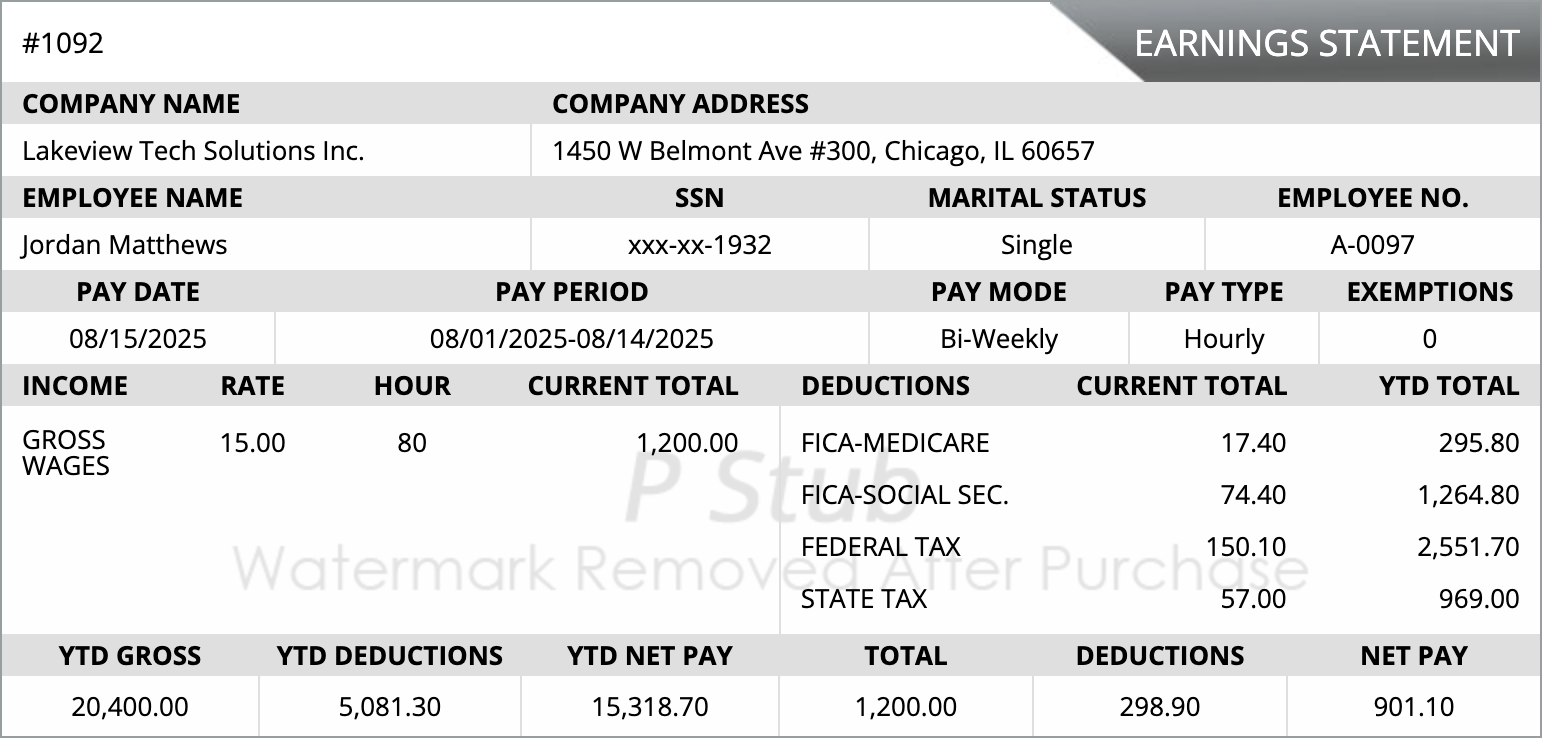
Emailing paycheck stubs allows employers to send payroll information directly to employees digitally, improving record-keeping, efficiency, and compliance.
Benefits of Emailing Paycheck Stubs
- Faster payroll delivery
- Reduces paper and printing costs
- Improves accuracy and record management
- Supports remote and hybrid work setups
Steps to Email Paycheck Stubs in QuickBooks Desktop
- Open QuickBooks Desktop and log in to your company file.
- Navigate to the Employees menu and select Pay Employees.
- Choose the pay period and employee(s) for whom you want to send stubs.
- Click on the Email option instead of printing checks.
- Verify employee email addresses and customize the message if needed.
- Send the paycheck stubs securely and confirm delivery.
Troubleshooting Common Issues
- Verify correct employee email addresses.
- Check internet connectivity and QuickBooks email setup.
- Ensure the email service (Outlook/Gmail) is correctly configured.
- Resend or contact QuickBooks support for persistent errors.
Frequently Asked Questions
Can I email multiple paycheck stubs at once?
Yes, QuickBooks Desktop allows sending multiple employee stubs simultaneously.
Are emailed paycheck stubs secure?
QuickBooks uses secure email protocols, but employers should verify emails before sending.
Do employees need QuickBooks to receive stubs?
No, employees receive stubs as standard PDF attachments in their email.
What if an email fails to send?
Verify the email address, internet connection, and QuickBooks settings; resend if necessary.
Email Paycheck Stubs Easily in QuickBooks Desktop
Follow this guide to send paycheck stubs efficiently and securely for accurate employee records and payroll compliance.




 Cookies Settings
 Reject All
 Accept All Cookies
 Save & Close